 Ask AI
Magnolia Cloudinary DAM Connector
Last updated: Feb-02-2026
Magnolia is a fast and flexible Headless CMS used in Digital Experience Platform architectures. Using the Cloudinary-Magnolia integration, you can easily upload and transform your images and videos, enabling you to publish your content quickly.
However, the integration is not maintained by Cloudinary. For all updates or questions related to this integration, please contact Magnolia support.
- Safari: The Safari browser may require additional steps when logging in to the Media Library. If you encounter an issue, follow the prompts to log in separately and attempt to open the Media Library again. Alternatively, use one of the other recommended browsers when working with Cloudinary.
-
Third-party cookies: Some browsers (such as Firefox) may block third-party cookies by default, which can prevent the Media Library Widget from functioning properly. Users may need to explicitly allow third-party cookies for the Cloudinary domain (
https://cloudinary.com) in their browser settings.
Overview
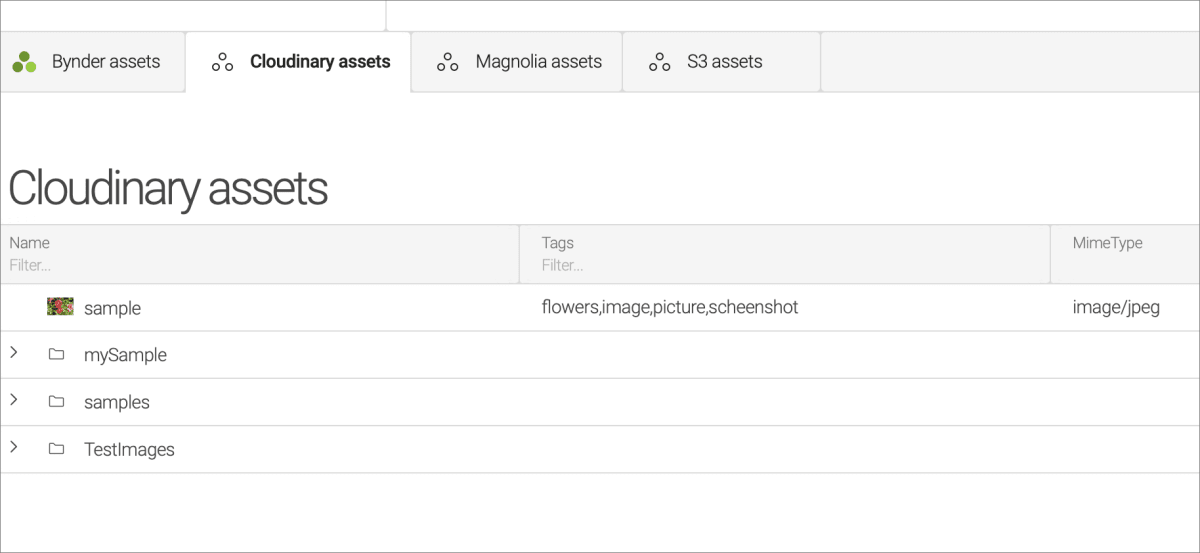
The Magnolia-Cloudinary DAM connector provides an app that enables you to access all of your Cloudinary image and video assets and use them as if they were Magnolia native. You can add or remove assets and place them into Magnolia content with a seamless editorial experience and a unified workflow across the two systems.
Once installed and configured, the Cloudinary app will be an integral part of your default assets app.
Magnolia integration video tutorial
This video tutorial demonstrates how you can use Magnolia's Cloudinary DAM Connector to insert an image in a page:
Get the app
To learn more about this app or to request the connector installation, contact Magnolia.
For details on installing and configuring this app, visit Magnolia's Cloudinary DAM Connector documentation.
Cloudinary Professional Services configuration support
The Magnolia DAM connector falls under Cloudinary's Premium Professional Services integrations.
If you need assistance setting up this integration:
- The Magnolia partner integration support includes configuration support
- If you're on a paid or Enterprise plan, you can also purchase configuration support from Cloudinary's Professional Services team for an additional cost.
Learn more: Cloudinary Professional Services packages
Error
Rate this page:
